Complete the adding process according to the guidance in app.
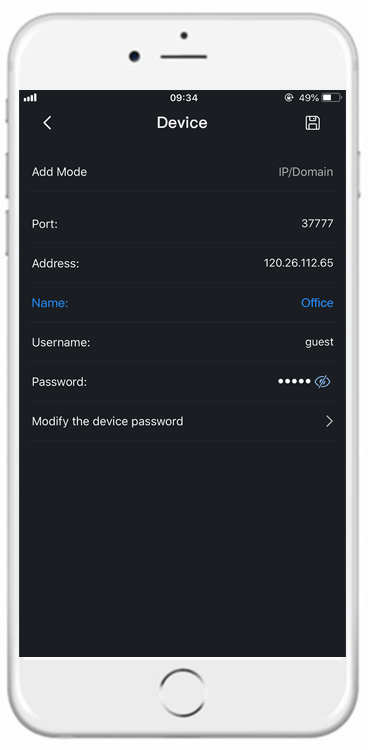
If you have aleady configured Echo Show, you can skip this step.
(a) Tap 'Skill and Games' in the Alexa app menu and search for 'DMSS'.
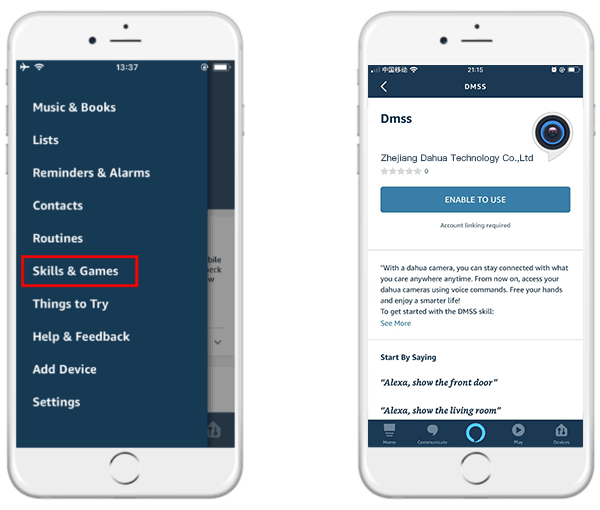
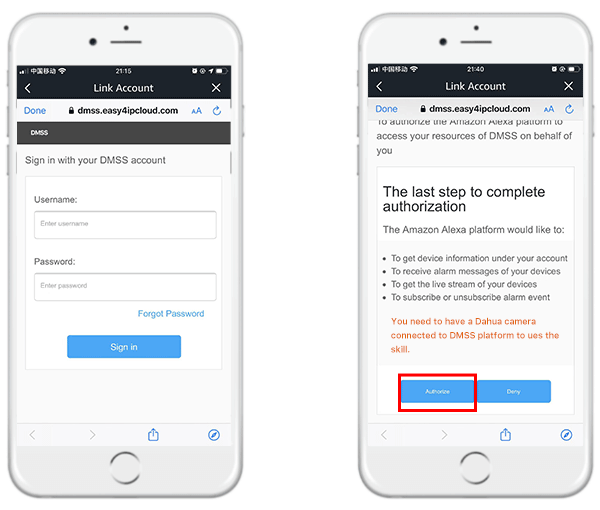
(b) Tap 'Enable' to enable the skill, and enter your DMSS account and password, tap 'sign in' then authorize it.
(c) After discovering the device, you can enjoy smart home control.
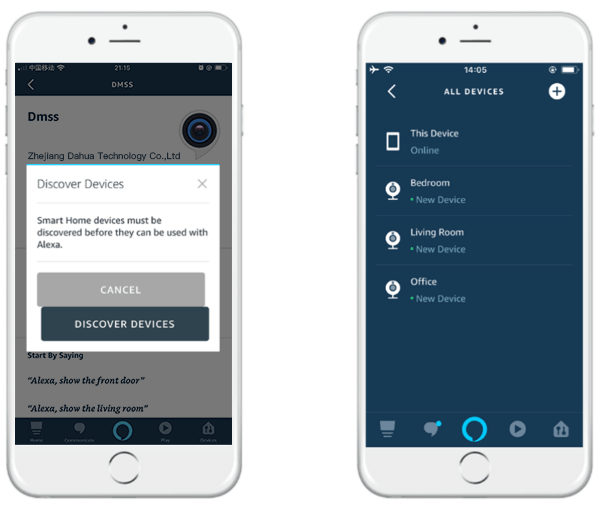
Examples:
Alexa, show the <Camera Name> camera.
Alexa, go home.
Alexa, discover.